Real Estate SaaS · Product UI · Design Systems
ClickToList
From evolving requirements to a coherent, developer-ready product system
- Role
- Product & Visual Designer · Product UI · Design Systems · Iconography
- Company
- ClickToList
- Year
- 2026
About the product
ClickToList is a flat-fee MLS platform that helps Florida homeowners list their properties without paying traditional listing agent commissions.
Working directly with the founder, I translated evolving business requirements into clear interfaces and a consistent visual system. From pricing and savings tools to reusable components, iconography, and implementation-ready assets.
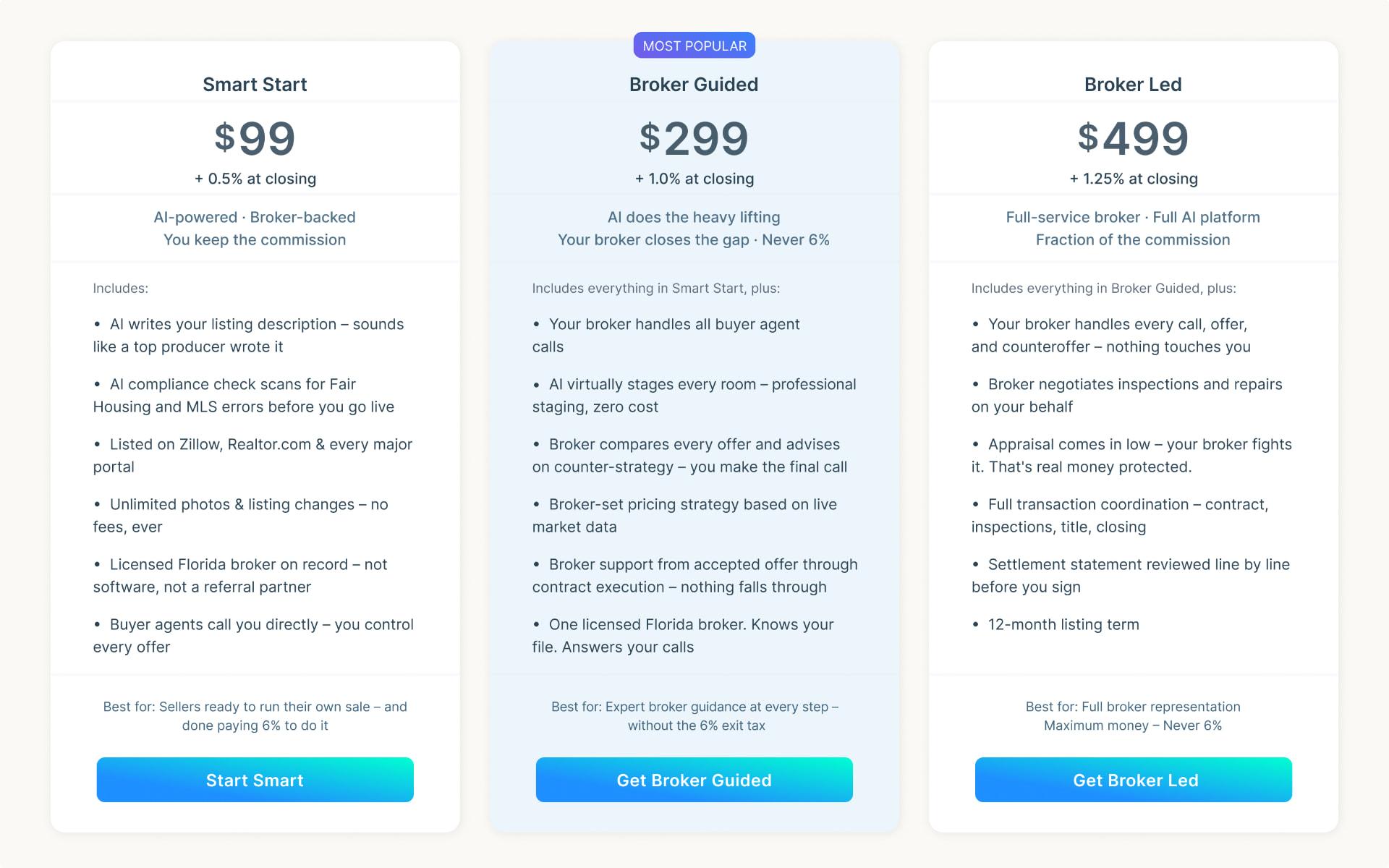
01
Turning evolving requirements into structure
The product grew through ongoing collaboration with the founder, who defined the business logic and introduced new features as the project evolved.
My role was to turn those requirements into clear, usable interfaces while maintaining consistency across the product.
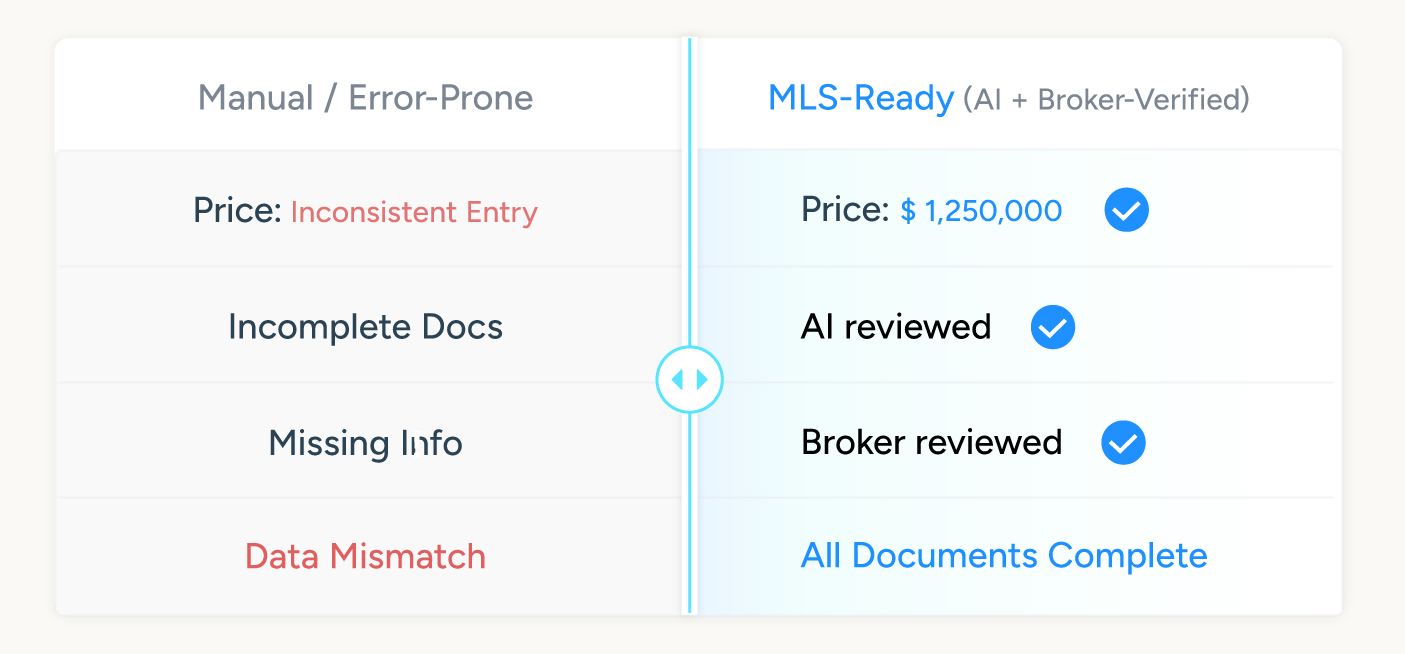
02
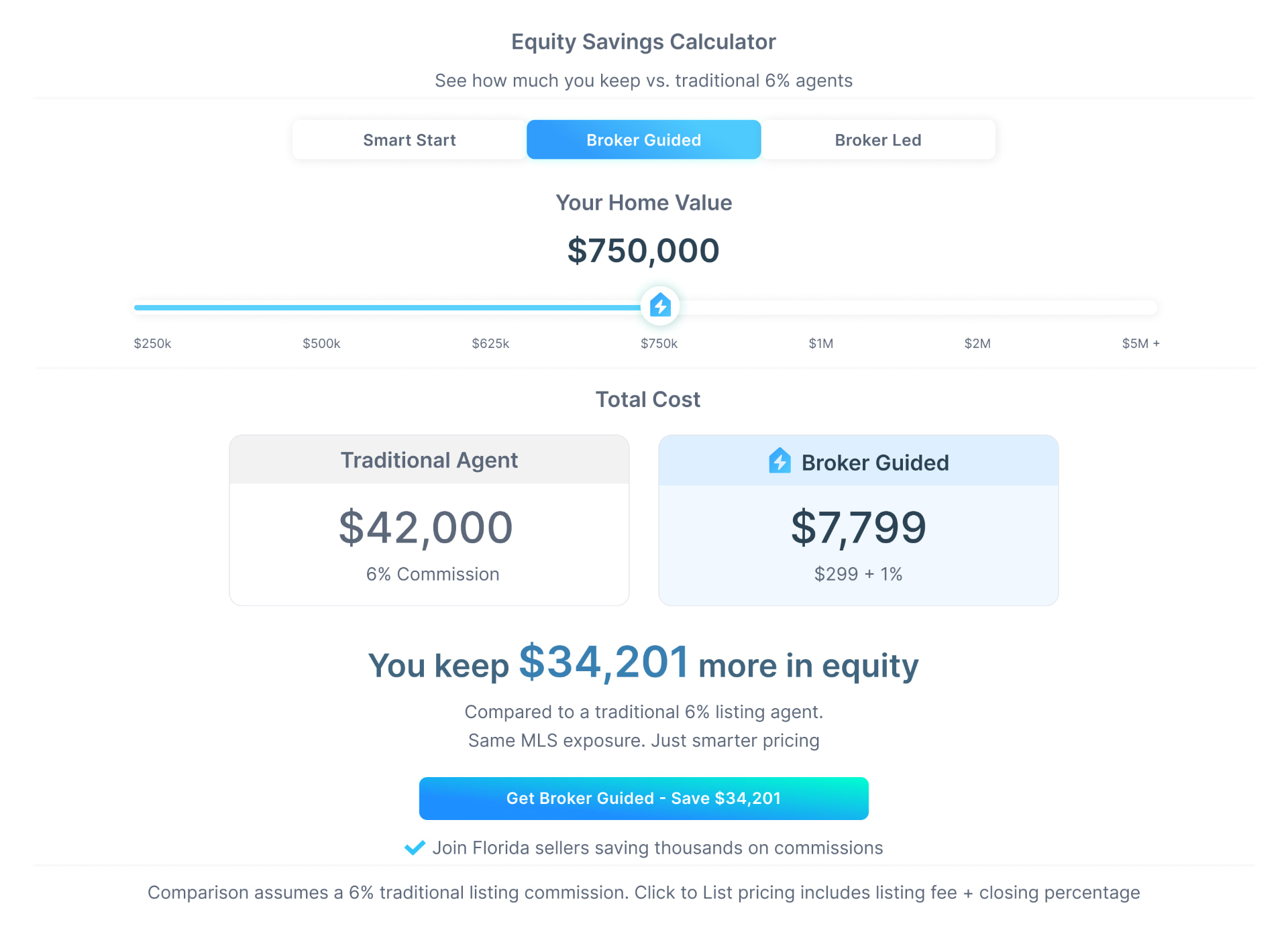
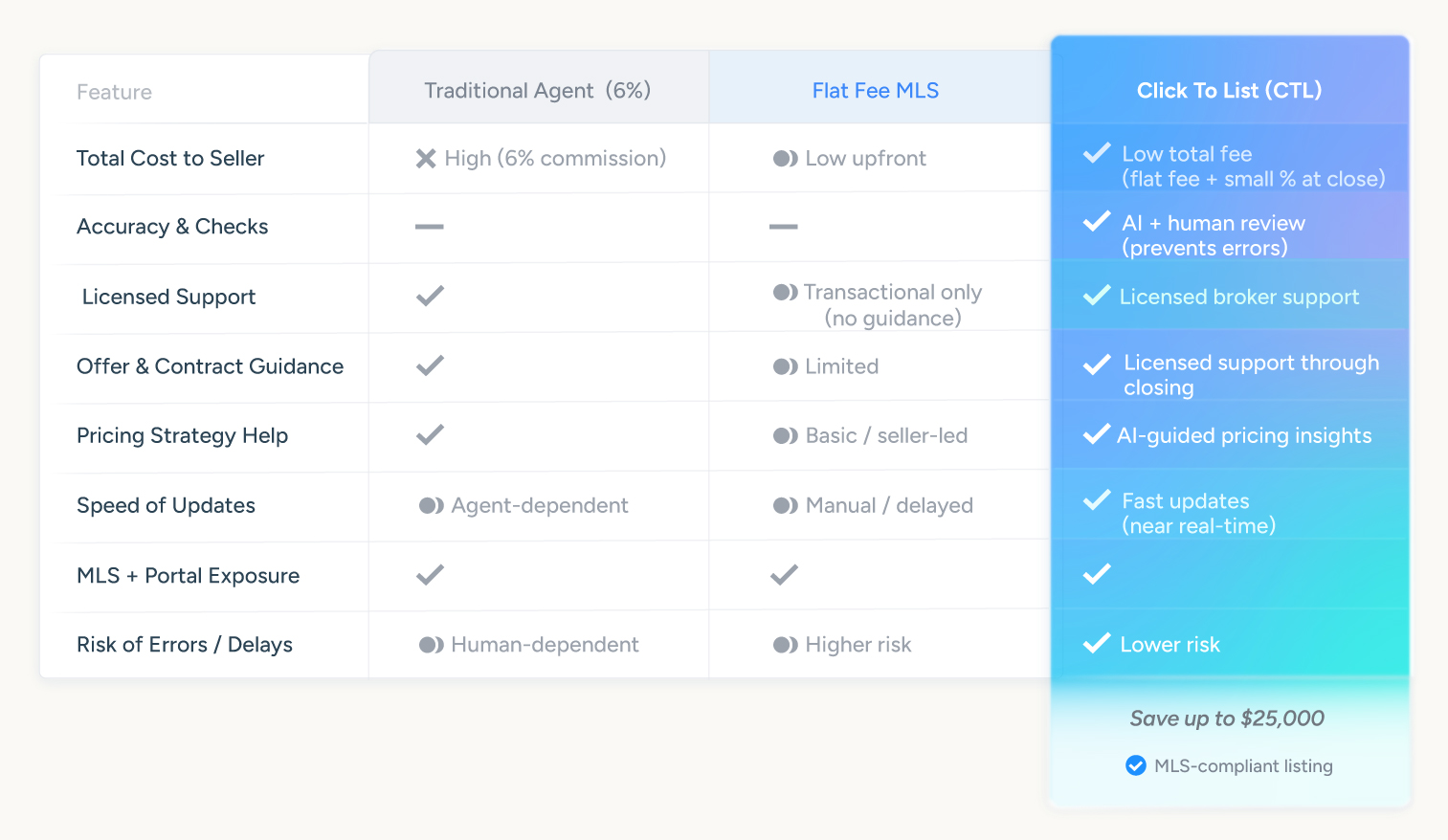
Making financial decisions easier to understand
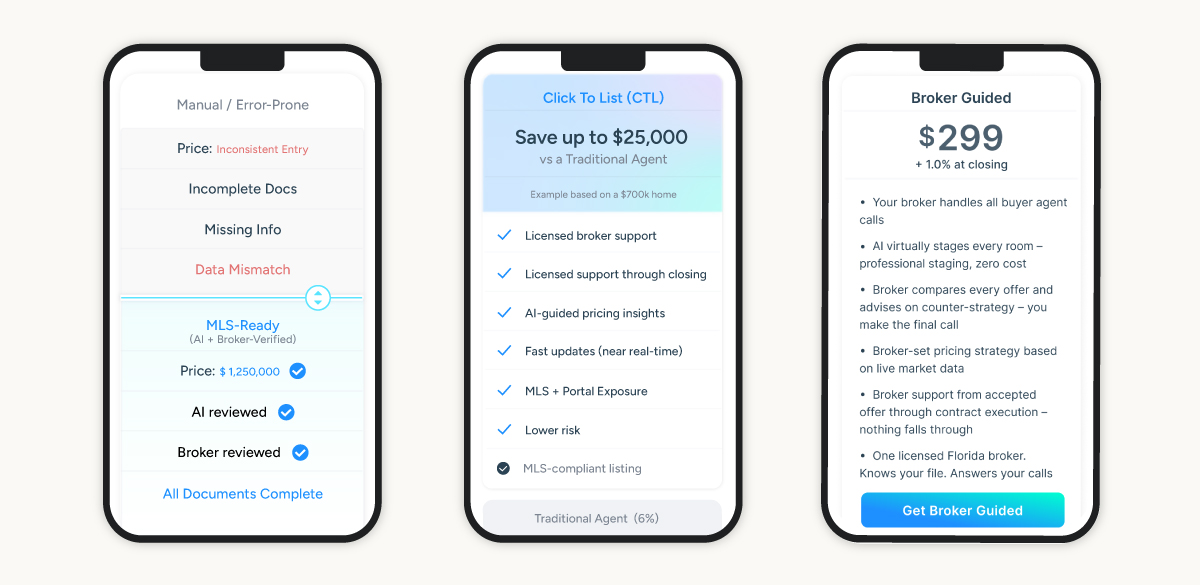
I designed interfaces for the pricing options, Equity Savings Calculator, and Savings Showdown comparison, translating complex financial information into clear visual hierarchies.
03
Building a system that could grow
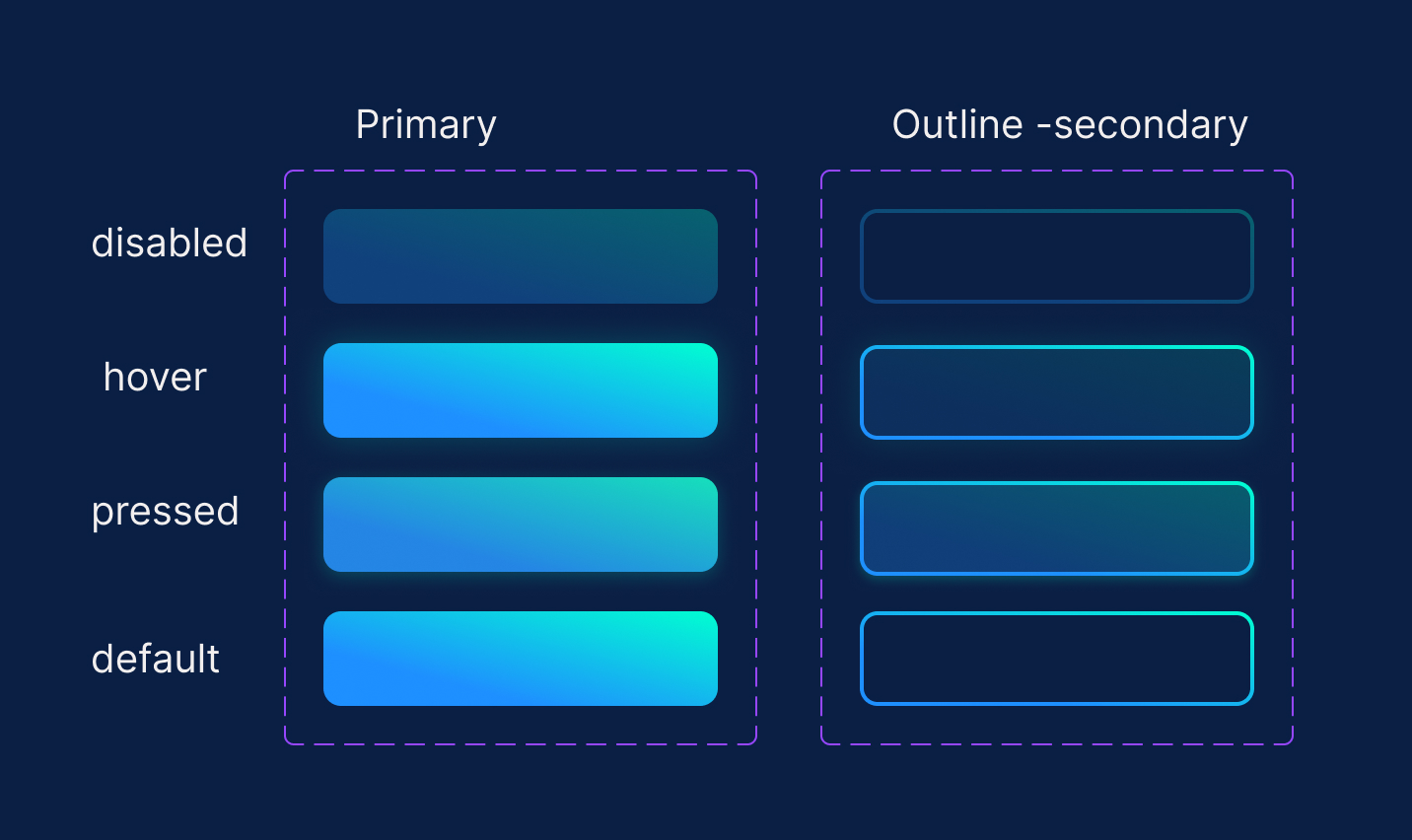
I developed reusable Figma components, variants, interaction states, and responsive patterns to keep new screens aligned with existing ones.
Instead of treating every feature as a separate design problem, I built shared rules that could support the product as it evolved.
04
One visual language, multiple states
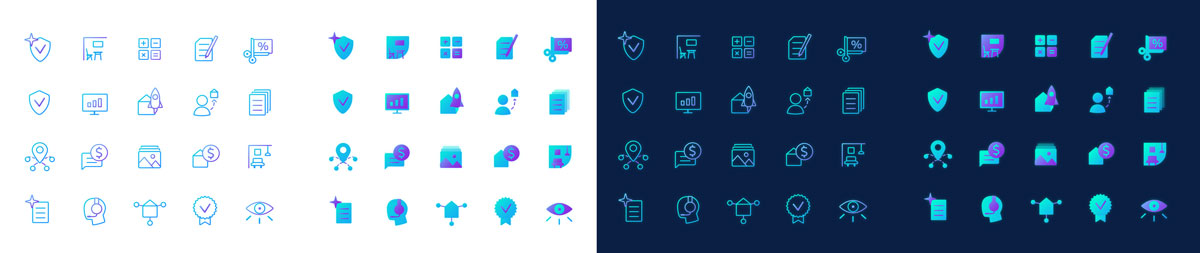
I created a large custom icon system with consistent geometry, proportions, and visual weight.
Each icon was designed with four states, allowing the system to work across different interface contexts while remaining visually coherent.
05
Designed beyond Figma
My work extended into collaboration with the developer on responsive behavior, asset exports, and implementation details.
I considered how design decisions would translate into code — not only how they appeared in Figma.
For example, when the client wanted glow effects embedded directly into SVG assets, I identified potential implementation limitations and recommended handling the effect separately in code.
The client ultimately preferred the original approach, but the discussion reflected an important part of my process: evaluating design decisions in the context of real development constraints.
06
From individual features to a connected product
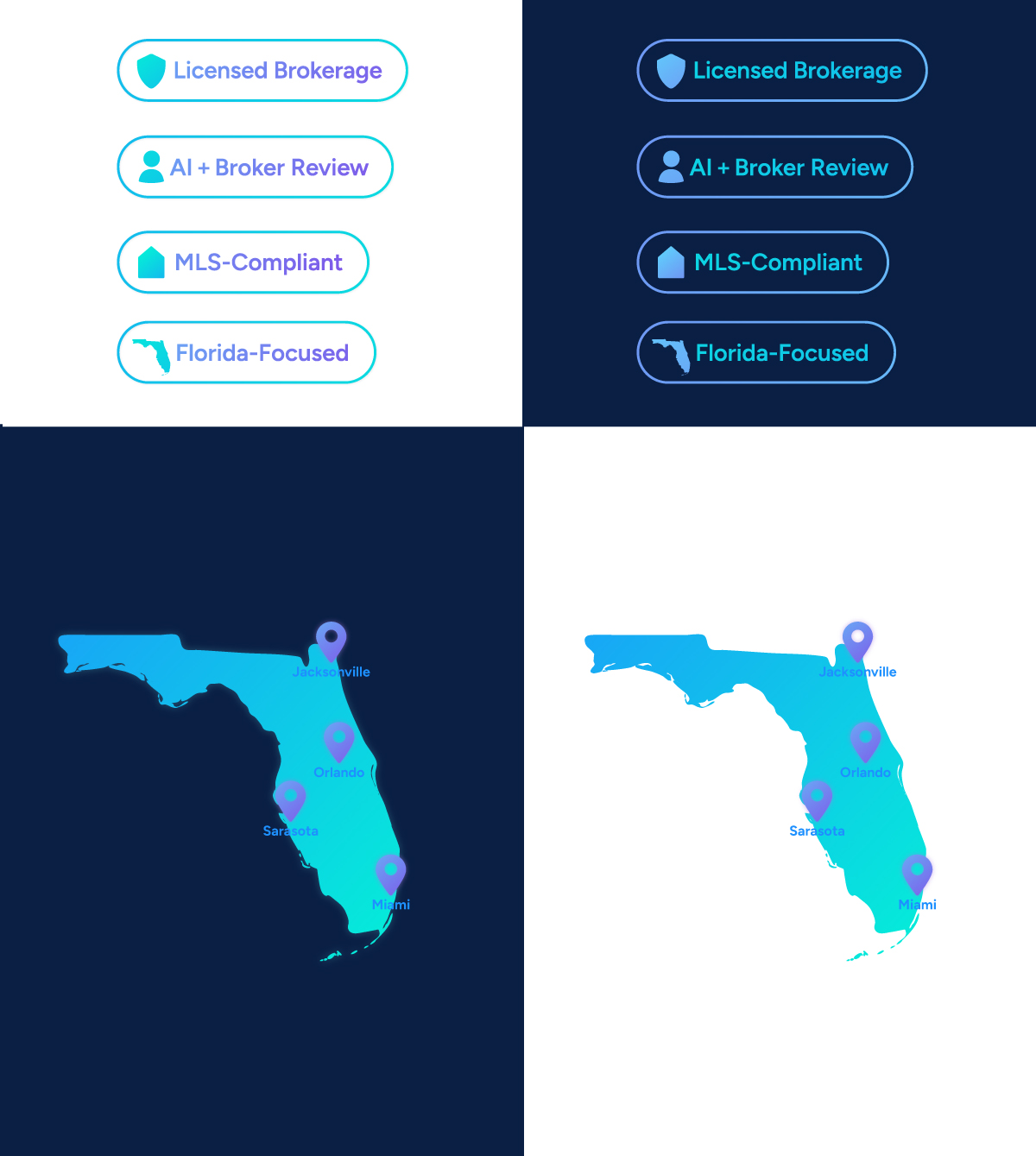
What started as separate design requests developed into a consistent system spanning pricing, financial calculators, comparisons, trust elements, responsive interfaces, and custom iconography.
Understand the requirement. Give it structure.
Let's build something that matters.
Have an idea, a product, or a challenge?
I'd love to hear about it.